
Why Samagra Portal Login matters for citizens
For many state-level welfare schemes, a Samagra ID (sometimes called SSSM ID or family composite ID) is the primary identifier used to:
- Confirm family and member eligibility for pensions, scholarships, and food rations.
- Seed Aadhaar to government databases through e-KYC linking.
- Apply for and track certificates or local government services.
- Print an official Samagra family or member card for offline use.
In short, completing a successful Samagra portal login is often the gateway to accessing benefits and confirming your household record with government systems. Official portal pages outline these citizen services and modules. Samagra Official Portal, Housing News
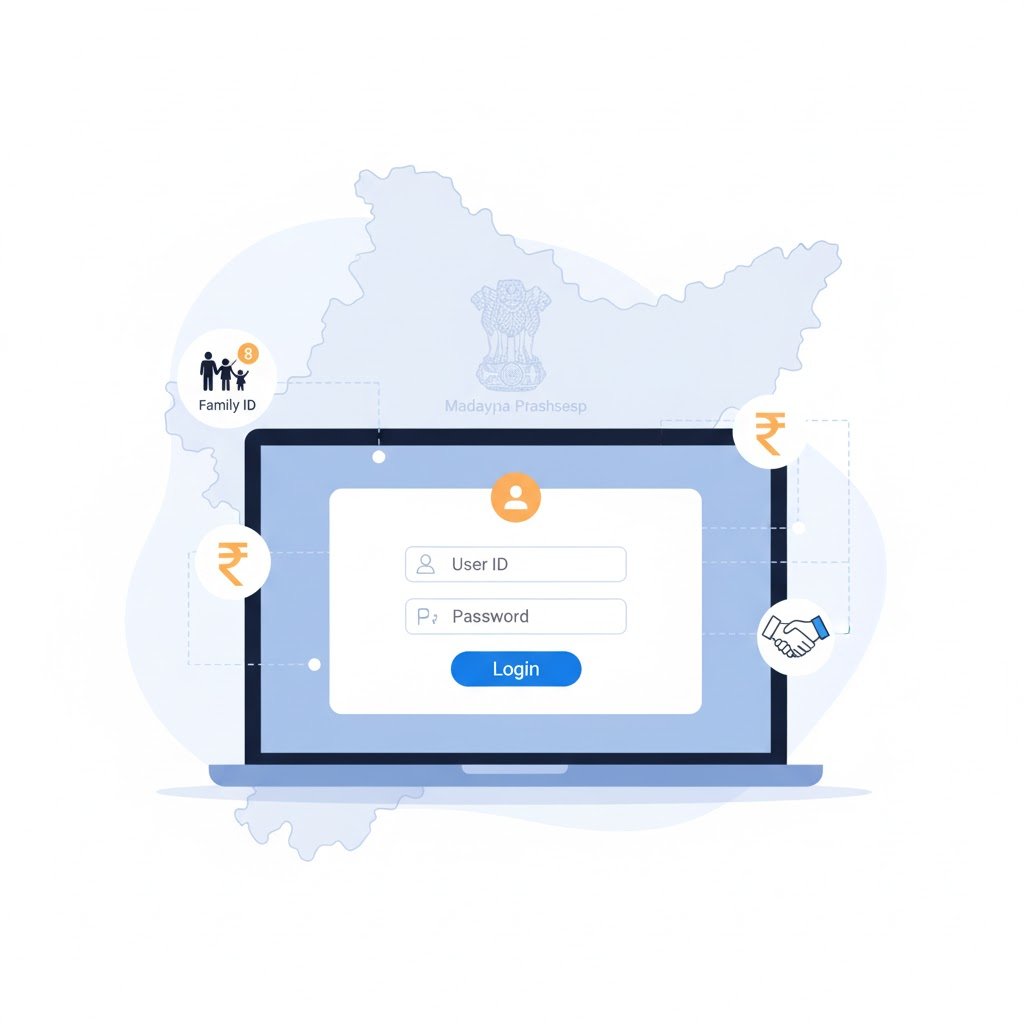
Quick overview — Official Samagra portal URL and resources
The primary, state-backed portal for Samagra services is available via the Samagra domain, which hosts citizen dashboards, login portals, and registration resources. Use only the official domain when entering personal details or completing e-KYC to avoid phishing sites. Samagra Official Portal
Other useful official touchpoints include:
- The Samagra citizen dashboard and family search tools.
- Departmental login pages for government employees and administrators.
- e-KYC linking interfaces and mobile apps published on trusted app stores.
How to perform Samagra portal login — step-by-step (citizen access)
Many users worry that a Samagra login is complex. The portal is designed to be straightforward: you generally need your family Samagra ID or individual member ID and then validate the captcha or OTP as required by the citizen interface.
Begin at the official Samagra login page and locate the citizen dashboard. Under the section commonly labelled Register Family/Member in Samagra or Know Your Family, you can choose to log in with your family Samagra ID or search by Aadhaar, mobile number, or name. Enter the Samagra ID, type the displayed captcha, and submit. If the portal requires additional verification, you will be prompted for OTP or a one-time PIN mechanism set up during registration. The portal’s login page and password recovery features are documented on the official site.
Key tips during login
- Use the exact Samagra number printed on your family card — the system is strict about digits.
- If captcha or OTP fails, refresh and request a new one; temporary network issues often cause failures.
- Keep your registered mobile number active — it’s used for OTPs and password resets.
Registering a family or member on Samagra (overview)
The Samagra portal allows authorized local bodies and citizens to register families and members. Registration typically requires Aadhaar or proof of identity, an OTP to the linked mobile, and basic family details. After registration, the system issues a unique family Samagra ID and member IDs for each household member.
Local administrative units (panchayats, urban local bodies) often assist citizens with initial registrations, while online forms on the portal provide stepwise fields for addresses, names, and family relationships. Registration resource pages and downloadable forms are available on the portal’s knowledge sharing section.
Linking Aadhaar to Samagra — e-KYC explained
One of the most important features for citizens is Aadhaar e-KYC linking (sometimes termed Samagra e-KYC). Linking your Aadhaar ensures you can use biometric or OTP verification for benefits and helps prevent duplication.
How e-KYC works in practice: the portal presents an e-KYC option in the profile update area. Citizens choose Aadhaar link, consent to authentication, and complete OTP verification or biometric steps as required. Once linked, the Samagra database stores a verified Aadhaar linkage for the family or member. This step is often mandatory for many scheme disbursements. Samagra e-KYC | Official Portal
Privacy note: e-KYC transmits minimal identity data for verification; however, always use the official portal and secure connections to protect personal information. The portal typically recommends logging out and avoiding sharing credentials.
Printing your Samagra family card or member card
After registration or when you need a physical copy, the portal provides print/download features for Samagra family cards and member cards. The typical path is to use the citizen dashboard and select Print Samagra Family Card or Print Member Card, enter the family or member ID, complete captcha, and generate a printable PDF. Official Portal | Housing Guide
Practical suggestions
- Use a browser with PDF support (Chrome, Edge) to ensure printing is clean.
- If a card or details are missing, check whether the family registration completed successfully and whether Aadhaar linkage created delays in display.
- Some state portals provide an offline or mobile app alternative to print at CSC (Common Service Center) kiosks.
Using the Samagra mobile app for login and services
Several states provide an official Samagra mobile application to view Samagra IDs, complete e-KYC, update profiles, and view scheme eligibility. The Play Store listing shows app features such as Aadhaar seeding, profile updates, and service request submissions. Download the app only from recognized app stores and check developer details to ensure authenticity. Google Play
App best practices
- Keep the app updated for security patches.
- Use the app for quick status checks, but perform critical operations (like registration) on official web portals if advised.
- If the app asks for unnecessary permissions, review and deny those that aren’t essential to portal functionality.
Common login problems and how to fix them
Problem — Incorrect Samagra ID or not found
Double-check the digits on your family card. Use the portal’s search by Aadhaar or mobile number if you suspect a typo. If the ID still doesn’t appear, your registration may be pending with the local body.
Problem — OTP or captcha failing repeatedly
Network latency and browser caching are common culprits. Clear browser cache, refresh the page, request a new OTP, and ensure the registered mobile number has signal. Try a different browser if issues persist. Password Recovery
Problem — Aadhaar e-KYC failing
Confirm the Aadhaar number and the mobile number linked with Aadhaar. If the mobile is not in your control, contact the Aadhaar helpdesk or local Samagra office to rectify it.
Problem — Forgot password or access pin
Use the portal’s password recovery or pin generation tool. Follow the prompts for mobile OTP or registered email verification. If recovery fails, approach your nearest Samagra help center or CSC kiosk for identity verification.
Security and privacy — how to stay safe during Samagra portal login
Your Samagra record contains sensitive identifiers like Aadhaar, family composition, and bank linkage. Follow these safeguards to stay protected:
- Always access the portal via the official domain (look for HTTPS and the government domain name).
- Never share OTPs, PINs, or passwords with anyone.
- Log out completely after a session and avoid using public Wi-Fi for sensitive transactions.
- Use official helpdesk channels for password recovery — avoid social media or unknown phone numbers claiming to “fix” IDs.
How Samagra IDs help you access government schemes
A verified Samagra ID simplifies access to multiple benefits across welfare programs:
- Pension schemes and allowances: authorities check Samagra records to confirm beneficiaries.
- Scholarship and education benefits: student records often carry Samagra member IDs for tracking.
- Social and food security: ration distribution and entitlements are reconciled via Samagra family lists.
Keeping your Samagra profile updated and linked with Aadhaar improves reliability of benefit delivery and reduces duplication in welfare registers. Housing | CSC Cloud
SEO tips for content creators writing about Samagra portal login
If you’re producing content aimed at search engines and users seeking Samagra portal login help, focus on clarity and up-to-date accuracy:
- Use the exact phrase samagra portal login in the title, intro, and at least one subheading.
- Include related search terms like Samagra ID, SSSM ID, Samagra login steps, Samagra e-KYC, print Samagra card.
- Answer practical tasks: login steps, ID printing, Aadhaar linking, and troubleshooting.
- Keep guides current with the latest portal/app updates and link official resources.
- Use structured headings and short paragraphs for readability.
Authority matters—cite official sources whenever describing workflows or requirements. Samagra.gov.in | Knowledge Sharing
Real-world examples of Samagra portal use cases
Consider these practical workflows that demonstrate the role of Samagra records:
- Widow pension: local offices check family rosters, verify IDs, confirm Aadhaar via e-KYC, and approve pensions.
- Scholarship disbursement: student Samagra member IDs appear in Samagra Shiksha databases to track entitlement and payments.
These flows are documented in news and help resources. Samagra Education | Housing
Best practices for local administrators and department users
For administrators managing district or ward-level Samagra data, these practices reduce errors and delays:
- Verify Aadhaar via e-KYC carefully and maintain consent logs/screenshots.
- Use pendency and district reports to track incomplete registrations or mismatches.
- Run deduplication checks regularly and engage citizens to correct missing numbers or spelling issues.
The Samagra portal provides departmental interfaces and pendency reports—refer to official sources for detailed workflows.
FAQ — quick answers for common Samagra portal login queries
How do I find my family Samagra ID?
Search by name, Aadhaar, mobile number, or member ID on the official Samagra portal. Options are under the citizen dashboard. Samagra.gov.in | Samagra ID
What if my Samagra portal login fails due to OTP issues?
Clear browser cache, ensure your registered mobile has signal, request a new OTP, and try again. If it still fails, visit a local Samagra help center or CSC kiosk. Password Recovery
Can I print my Samagra card online?
Yes. Use the portal’s Print Samagra Family Card or Print Member Card option, enter ID and captcha, and download the PDF. Samagra.gov.in
Is there a Samagra mobile app I can use?
Yes. Some states publish official apps (e.g., MP Samagra on Play Store) with login, e-KYC, and updates. Download only from trusted stores. Google Play
How do I link Aadhaar with Samagra via e-KYC?
On the portal, choose Aadhaar e-KYC under profile updates, consent, and complete OTP/biometric verification. Samagra E-Kyc | Samagra.gov.in
Troubleshooting checklist before you visit the Samagra office
- A clear print or screenshot of the Samagra ID (if available).
- Your Aadhaar card and mobile number linked with Aadhaar.
- Any supporting documents requested by the authority (ration card, birth certificate, etc.).
- Patience — local verification sometimes requires manual checks.
Closing — make your Samagra portal login count
A reliable samagra portal login and accurate records unlock benefits and reduce friction in applying for services. Use the official portal, keep Aadhaar linkage current, protect credentials, and print your Samagra card for offline needs.
If you want, we can also create a printable checklist, an FAQ page for your state, or a step-by-step visual guide with screenshots.
Sources and official references
References include Samagra official portals, e-KYC guides, the Samagra mobile app listing, and citizen help pages: