
Documents and Information Typically Required for Samagra ID Portal Registration
When registering a family or member in the Samagra ID Portal, the portal will ask for standard identity and household information. Required items commonly include:
- Name, age/date of birth, and relationship to the head of family.
- Residential address and contact details.
- Identity document — Aadhaar is widely used and often mandatory for creating or seeding new records.
- Additional references such as ration card or pension card identifiers (depending on the service).
Because Aadhaar plays a big role in eKYC and linking, ensure you have the Aadhaar number or the mobile registered with Aadhaar available at the time of linking. The portal provides OTP-based eKYC flows to seed Aadhaar for verification.
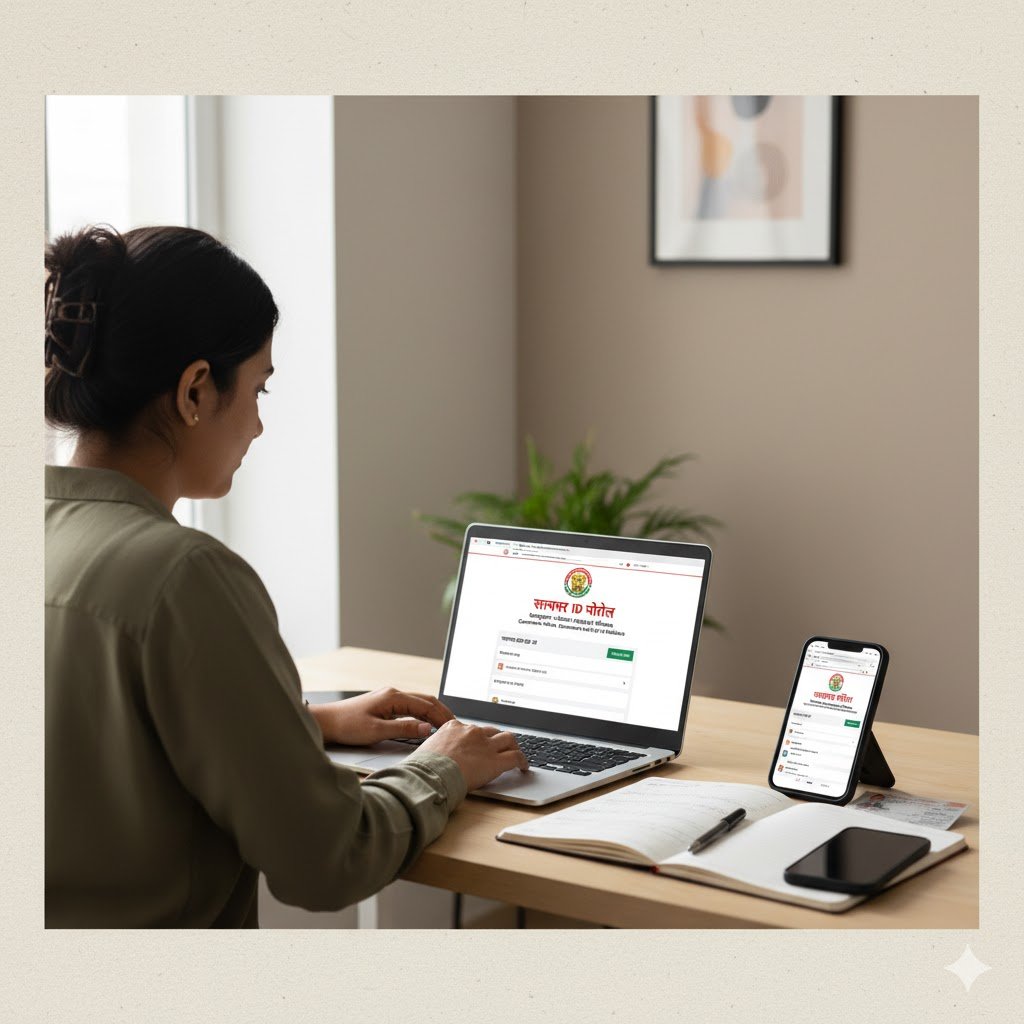
How to Register on the Samagra ID Portal — A Clear Walkthrough
Follow this practical walkthrough to register your family or a new member on the Samagra ID Portal. Note: the official Samagra site is the only authoritative source for live forms and links.
Start by visiting the Samagra official portal. On the homepage, you’ll find options such as “Register Family/Member in Samagra,” “Print Family Card,” and “Citizen Login.” Choose “Register Family” if creating a new household, or “Register Member” to add a person to an existing family. Always ensure you’re using the official domain to avoid fraudulent sites.
Once the form opens, enter the head of family name, address, and details for each household member—including full name, date of birth, gender, relationship to head, and identifiers such as Aadhaar or ration card numbers. If adding a member, use the family code and input the person’s details. The system will automatically validate entries to prevent duplicate family IDs.
The portal may then ask for document uploads. Submit scanned copies of Aadhaar, ration card, or other supporting documents as required. File type and size restrictions are displayed on the upload page. If Aadhaar is available, you can complete eKYC verification via OTP sent to the mobile number linked with Aadhaar.
Finally, submit your application and save any reference or temporary ID generated. You can track the status under the portal’s application tracking page. In cases where local ward or block officials must verify your details, the application will show as pending until it is approved.
eKYC and Linking Aadhaar to Samagra — Why It Matters and How It Works
Aadhaar seeding via eKYC is central to preventing duplicates and confirming identity across government rolls. eKYC (electronic Know Your Customer) verifies a person’s Aadhaar details using a secure OTP or other authorized flow. This creates a trusted link between the Samagra record and the national identity database.
To complete eKYC, access the Samagra eKYC link provided on the Samagra or MPOnline interface and follow the OTP-driven authentication process. Once Aadhaar is successfully linked, many services and schemes allow faster verification and automatic eligibility checks, as departments can match beneficiary records against the authenticated base.
The Samagra system integrates eKYC facilities for citizens within the portal ecosystem. Try it here: MPOnline eKYC | Google Play App.
How to Print or Download Samagra Family and Member Cards
The portal provides a print/download feature so citizens can generate a Samagra family card or individual member card. Navigate to the “Print Samagra Family Card” or “Print Samagra Member Card” option. Enter your Samagra family ID, member ID or other requested credentials and complete the captcha.
The portal will display a printable PDF view of your Samagra card. This file can be downloaded and printed for offline use, especially for presenting at local offices where a physical copy is required.
Always double-check that the card contains the correct names, family relationships, and IDs. If you find errors, use the portal’s update request workflow to correct mismatches before using the card officially.
Common Use Cases — Where Samagra ID is Used
Samagra IDs are used across a range of citizen services and government functions. Some key examples include:
- Scholarship disbursal for students where department portals pull Samagra beneficiary lists.
- Pension and social assistance programs to identify eligible pensioners and streamline payments.
- Ration and PDS benefit verification through linkages between Samagra and ration databases.
- Health and welfare schemes where a verified identity reduces duplication.
- Local governance tasks such as ward and colony identification and resource allocation.
Because Samagra acts as a central registry, multiple departments reference it to check eligibility and ensure benefits flow to the correct households.
Troubleshooting: Common Problems and Practical Fixes
Many Samagra portal issues are administrative or data-entry related. Below are common problems and practical actions you can take:
- ✔️ Samagra ID exists but not accessible: Use the portal’s “Search Family/Member” or “Forgot ID” tools. If the mobile isn’t linked, contact your local ward/municipal office.
- ✔️ eKYC OTP failure: Confirm the Aadhaar mobile number is current. If outdated, update it via UIDAI services before retrying.
- ✔️ Incorrect data (name, DOB, caste): Submit an update request on the portal or through your ward officer. Carry documents like birth certificate, school records, or caste certificate for verification.
- ✔️ Portal not loading / technical errors: Switch browsers, clear cache, or use the official mobile app. For persistent errors, reach out to MPSeDC or the technical support team.
Data Privacy and Security on the Samagra ID Portal
Data privacy is a critical consideration for any citizen registry. Official Samagra pages outline that the system operates on authorized user access and does not provide open access to the Single Citizen Database. Access is role-based and monitored, and privacy policies describe data use, retention and protection measures.
When you link Aadhaar or upload personal documents, ensure you use official Samagra domains and secure connections. Avoid uploading sensitive documents to unknown mirrors of the portal—always confirm the URL and verify security certificates for HTTPS.
For policy specifics, the Samagra privacy policy and government portal pages provide the official stance on data protection.
Practical Tips for a Smooth Samagra Experience
- Prepare documents ahead of time: Aadhaar, ration card, proof of address and relevant certificates should be ready in clear scans.
- Always use the official domain: Bookmark the government Samagra URL and avoid phishing attempts by verifying the website certificate.
- Avoid duplicate family creation: If you see a mismatch or duplicate entry warning, seek support from your local office instead of creating a new family record.
- Keep Aadhaar-linked mobile updated: Many flows use OTP authentication, and an outdated mobile number can block eKYC verification.
- For bulk registrations: If you are school/college staff or a local official, use the bulk upload features and follow templates strictly to reduce rejections.
SEO and Content Recommendations for Publishers Writing About Samagra ID Portal
If you’re producing content on Samagra ID Portal for search intent and visibility, follow these optimisation strategies:
- Use clear, intent-matching titles: Include both “Samagra ID Portal” and “portal Samagra ID.” Add long-tail terms like “Samagra family card print,” “Samagra eKYC Aadhaar linking,” and “SSSM ID registration.”
- Structure content with H2/H3 headings: Add FAQ sections that address common search queries.
- Incorporate LSI keywords naturally: e.g., “Samagra registration process,” “Samagra ID search,” “print Samagra family card,” “link Aadhaar to Samagra,” “Samagra portal MP.”
- Write comprehensive how-to steps: Use short descriptive paragraphs and subheadings instead of long lists to improve readability and dwell time.
- Cite official sources: Link to the government portal to strengthen authority and trust.
- Add freshness signals: Provide troubleshooting tips, updates, and a “last reviewed” timestamp to help users track changes.
Governance and Administration — Who Runs the Samagra System
The Samagra ecosystem is overseen by state social security missions. In Madhya Pradesh, it functions under social security mission frameworks, with technical development and hosting support from agencies such as MPSeDC and NIC for district-level pages.
Administration includes separate citizen and administrator login areas, ensuring role-based access:
- Ward-level officials manage and verify local records.
- Block/Gram Panchayat officers oversee registrations and validations.
- District administrators handle monitoring, approval workflows, and larger-scale governance functions.
This layered governance ensures that citizen data is maintained accurately while maintaining accountability across levels of administration.
Real World Examples and Case Uses
In practical deployments, Samagra IDs are used for fast scholarship verifications by education departments: student lists are cross-checked against Samagra IDs to approve or disburse funds.
Pension disbursal units check Samagra family and member records when processing monthly payments, and public distribution systems (PDS) sometimes leverage Samagra for identity confirmation during grain distribution.
During local body planning, ward and colony search features in Samagra assist in micro-planning and targeting beneficiaries. These real-life applications highlight how the portal reduces duplicates and speeds up service delivery.
How Officials and Local Bodies Use the Portal for Program Delivery
Ward-level users and panchayat/municipal staff can search their assigned localities, verify temporary registrations, and manage pending requests.
Administrative dashboards display district-wise pending lists, verification statuses, and other program metrics. This visibility enables district administrators to monitor backlogs and allocate resources effectively.
For district officers, the portal provides detailed reports and bulk action options, allowing them to validate and approve large batches of entries in the Samagra registry efficiently.